

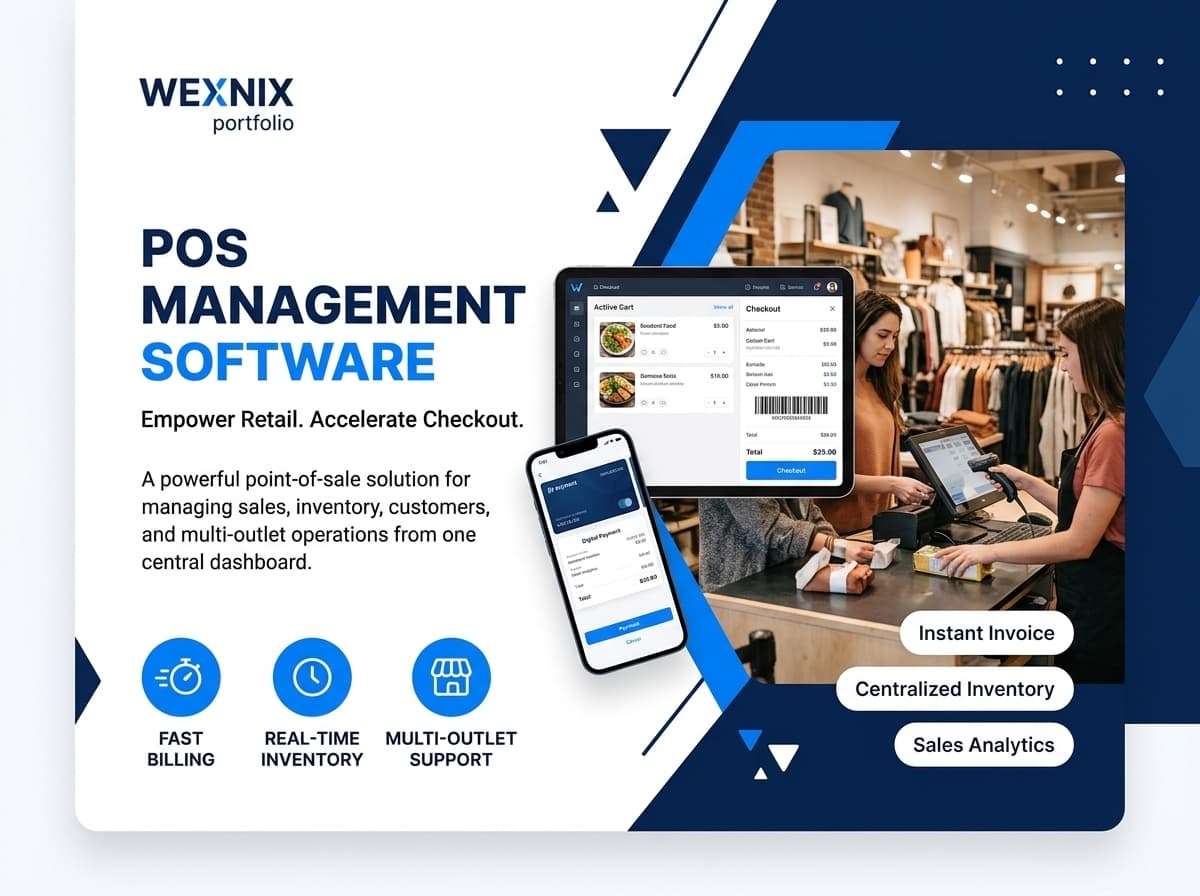
A powerful point-of-sale solution for managing sales, products, customers, inventory, invoices, payments, and reports. It supports centralized transaction management, user permissions, inventory synchronization, and structured reporting for retail operations. Businesses can also gain better control over sales activities, customer information, financial transactions, and operational performance.
Product Description
Our POS Management Software powers fast, accurate transactions by unifying sales, inventory, customers, and invoicing in one platform. Built for enterprise-scale retail, it includes role-based access control, audit trails, automated backups, and API integration with payment gateways for secure, efficient checkout operations.
Technologies We Used
A modern web technology stack supports fast transactions, secure data processing, and scalable point-of-sale operations.
Key Features
The system enables fast POS transactions with barcode scanning, automatic taxes, multiple payment methods, real-time stock updates, invoices, receipts, returns, exchanges, and partial payments.
- Fast POS billing with barcode scanning and product search
- Multiple payment methods, taxes, discounts and partial payments
- Real-time inventory synchronization with sales transactions
- Customer profiles, loyalty and purchase history
- Sales return, exchange and refund management
- Receipt and invoice generation with print-ready documents
- Centralized product, pricing and promotion management
- Multi-user and multi-outlet POS operations
- Sales analytics and daily transaction reports
- Role-based access control and audit trails
Flowchart
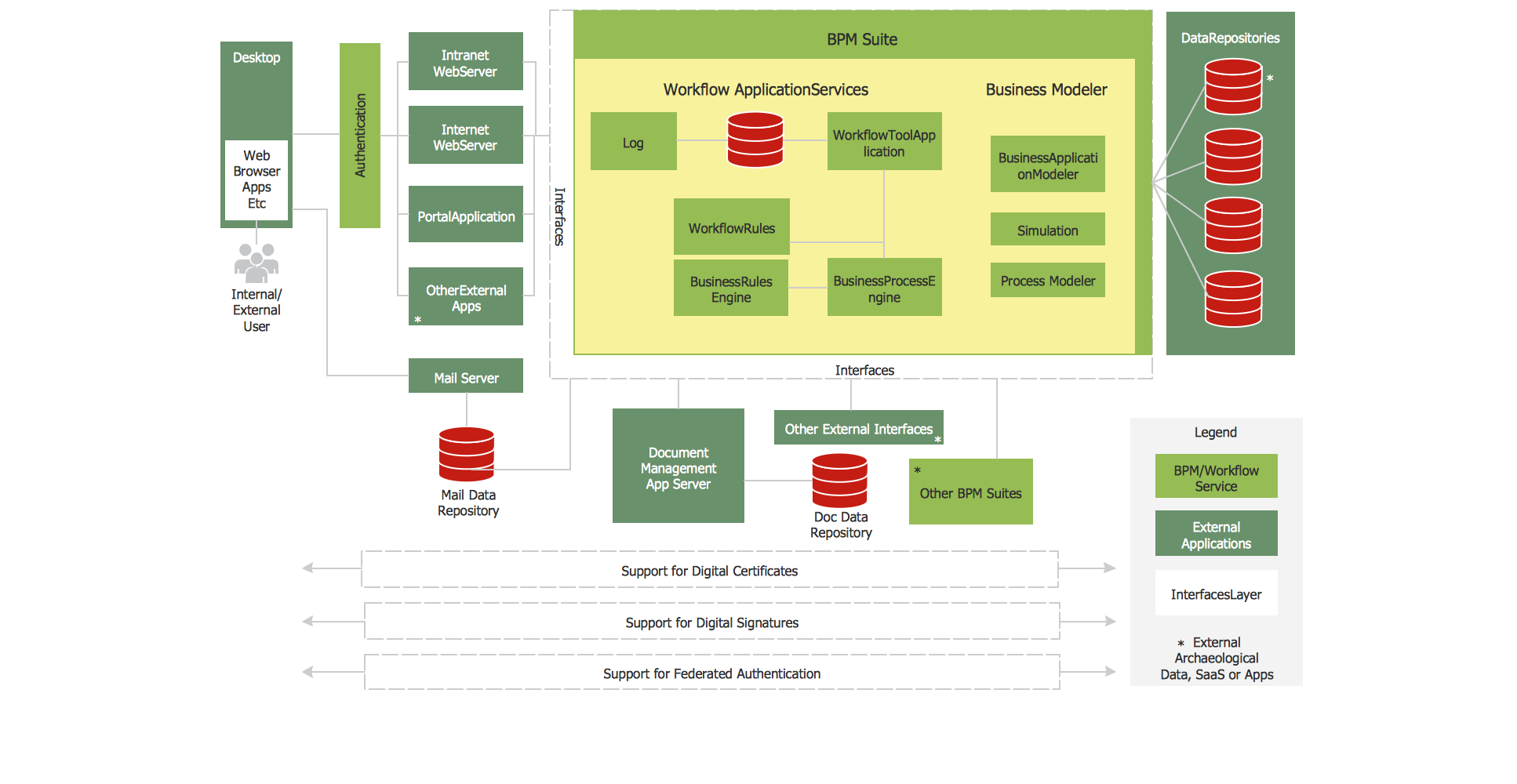
A simple flowchart outlining how the system processes each step, from initial input to final output. It offers a quick, visual way to understand the overall workflow at a glance.
Our Clients






Interested in this product?
Send us a quick message and our team will get back to you with pricing and setup details.